how to reset a motorola phone thats google locked
And this smartphone is from Tracfone Wireless and works on the Verizon network if your ph. There are three methods to fix the factory reset protection protocol and bypass the Google account sign-in which we have stated in the list below.

Remove Google Account Motorola Moto Z Xt1650 G5 G4 Plus X Play Style For Google Account Removal Services Moto Z
As you do the above-mentioned steps the device will undergo a Master Reset.
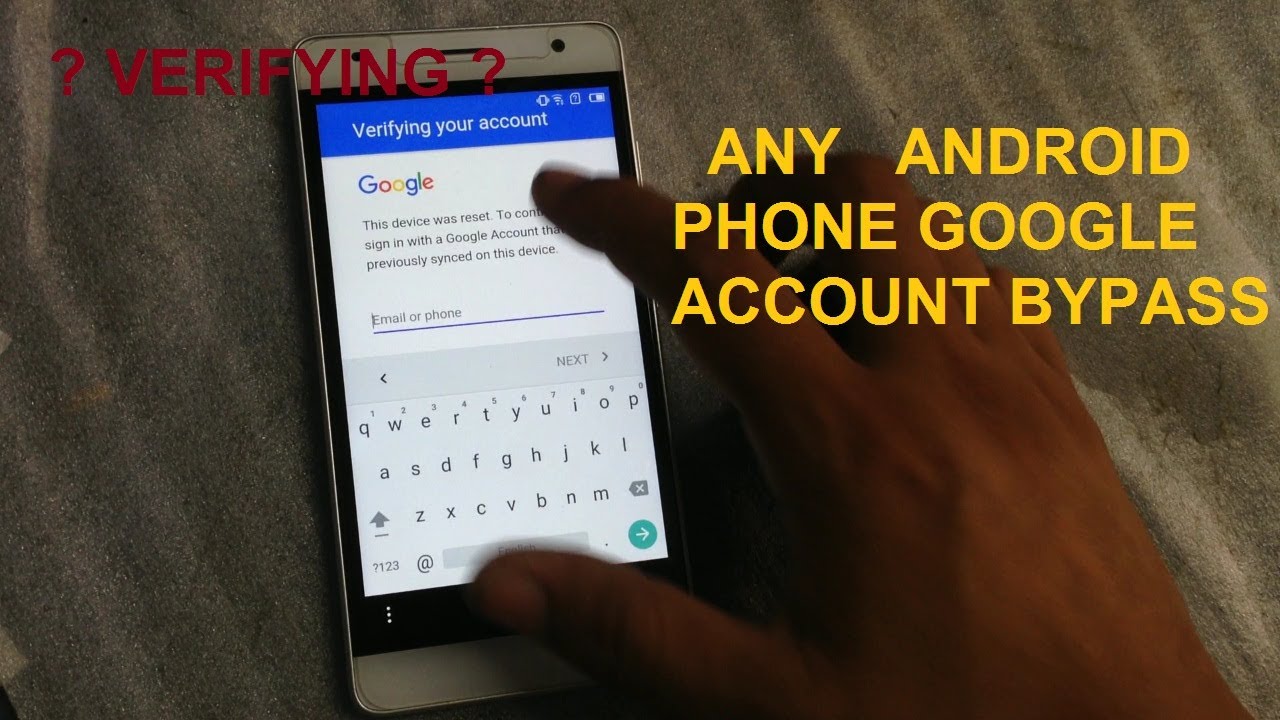
. Power Button Volume Down Button. How to hard reset the Motorola Moto Phone on all wireless carriers. This help content information General Help Center experience.
Ad Unlock Android Phone with 4uKey Unlocker. 1 Click to Reset Forgotten Screen Password. You wont finish the setup process if you dont have the account.
How do you reset a locked Motorola phone without command. On the new homepage Emergency information click the pencil icon Name. Afterward Use the Volume Buttons to select option Recovery Mode and press Power button to confirm.
Now use the volume updown buttons to select the reboot system now and wait until the device restarts. After successful unlock you will be asked to create new PIN Password or Pattern Lock for your Motorola Moto G Stylus 2022. Get ready to bypass FRP on Motorola.
Then Press and Hold. This Service is to Remove Google Account or FRP Factory Reset Protection Associated with your Motorola Phone. When your phone gets locked for no reason.
For scrolling you can use volume down key and for selecting you can use either home or power key. If the method doesnt work for you you may use FRP bypass APK to remove Google account verification. FRP Bypass APK to Bypass Google Account Lock.
Please connect your Moto phone to your PC and then choose the option of Remove Screen Lock. Select Remove Google Lock FRP from the Home interface and click Start. Use the Volume buttons to highlight and the Power button to select.
Verify device information Once you connect the device and select the screen to unlock option you need to. After the reset Google account will be removed from the phone. Turn Off your Motorola mobile By holding the power button.
How to reset locked android phone Motorola. RESETTING A MOTOROLA PHONE USING A CODE. But luckily you can have easy way to bypass the Google verification page to complete the setup process.
Below is the Simple Step by Step Guide for You to Unlock Motorola with Just Simple Clicks. Use FRP Bypass APK to fix Google Account Verification. Your device will take some time to remove the frp lock.
When you see the Fastboot Mode release all the Buttons. If you do not know your log in credentials--. Switch to the startup HELLO screen.
3 Steps to Unlock Forgotten Android Screen Password Face Lock Fingerprint and Pattern. Use frp bypass apk to fix google account verification. This blog can be helpful in your.
You will be presented with your Google security questions which you have added in your accountAnswer them accordingly. Then follow the steps below to unlock your device. Fix FRP through the OEM Unlocking feature.
Select wipe datafactory reset. Hard Reset Motorola. If you answer the security questions correctly you Motorola Moto G Stylus 2022 will unlock.
After a while you will see the logo on the screen just then release all the buttons. How to Reset Motorola Phone When Locked. Then press and hold the power key home key and volume up key.
Power Button Volume Up Button. Firstly start by removing the SIM Card from the device. This service is different from our conventional services as it will require a data cable PC and internet connection.
Our certified technicians will then connect to your device and service your Motorola device to remove the Google. Step 5 On Settings choose Backup Reset Factory data reset. First of all switch off your phone.
Step 5 on settings choose backup reset factory data reset. Up to 40 cash back To use this wonderful tool click the button to download the LockWiper Android app from our website and install it on your computer. Tap on the factory data reset reset device.
Up to 40 cash back If you get a Google locked phone youll be asked to verify the Google account during the setup process. Download and Install the UnlockGo The first step is to download and install the UnlockGo for Android on your PC. Make sure you want to remove the screen lock with the Motorola phone and then click on the Start.
Choose the option Emergency Call and tap Emergency Information twice. The ways of how to reset a Motorola mobile phone. Your motorola mobile phone gets or got locked.
How To Reset A Motorola Phone Thats Google Locked. A reset also may be your last resort if you locked certain features of the. Type 367628 using the available keypad and drop a call.
To remove Google lock without Motorola FRP bypass tool downloading connect to Wi-Fi first. From the No Command screen Android figure lying on his back press and hold the Power button then press and release the Volume Up button to display the menu options.
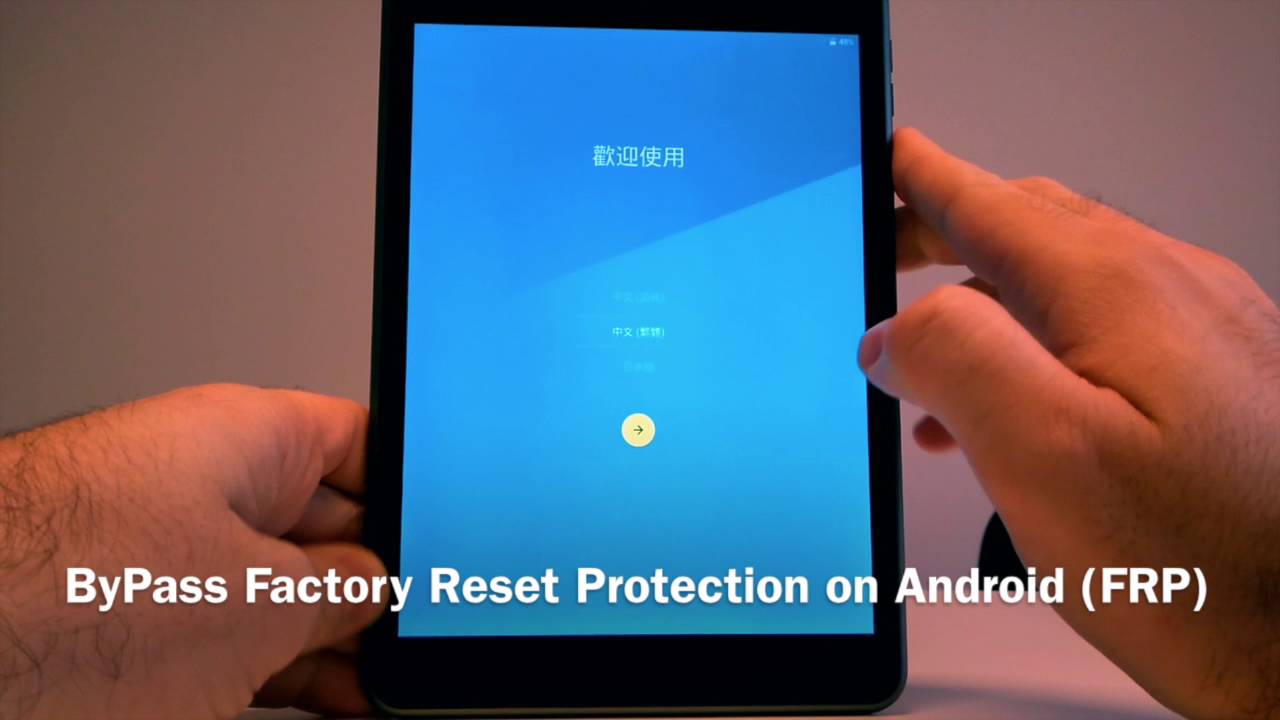
Looking For A Way To Bypass Google Account Verification On Your Phone After A Factory Reset Here You Android Secret Codes Smartphone Hacks Iphone Secret Codes

Frp Lock Google Verification Bypass Tool Software Latest Version Free Download Gmail Hacks Andriod Phone Smartphone Hacks

Pin On Android
How To Bypass Almost All Lg Lock Google Account Or Verify Your Account Without Tool Youtube Mobile Phone Case Sewing Cell Phone App Boost Mobile

How To Bypass Unlock Google Verification Code Frp Samsung Coding Android Secret Codes

Bypass Frp Motorola Android 7 0 Android 8 0 Without Pc Latest Method Android Tutorials Motorola Bypass

Pin On Bypass Google Account In Samsung Phone

How To Bypass Google Verification On Alcatel One Touch Alcatel Bypass Google Verifies Apk On The Off Chance That You Happen To Have An And Phone Bypass Google
How To Unlock Google Account Any Android Phone Android Phone Hacks Android Tutorials Smartphone Hacks